HackTheBox Lab Walkthrough
Footprinting a Windows 10 Server
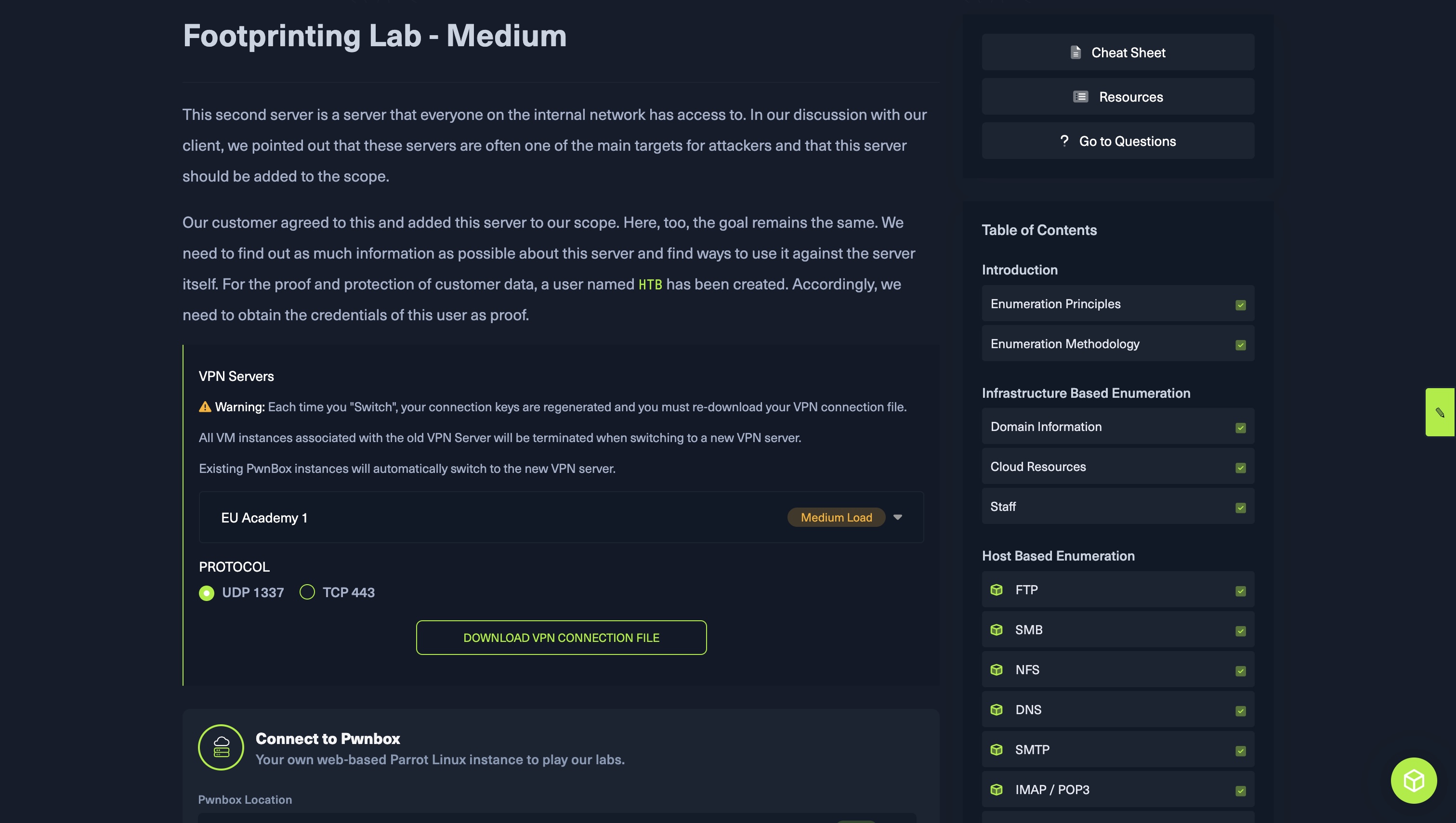
1. Scanning the target IP
sudo nmap 10.129.92.78 -sV -sC
Findings:
OS: Windows 10
Open Ports:
111, 135, 139, 445, 2049, 3389Services detected: RPC, SMB, NFS, RDP
2. Enumerating NFS
Since NFS (Network File System) was open, I used Nmap’s NFS scripts:
sudo nmap --script nfs* 10.129.92.78 -sV -p111,2049
Then double-checked with:
showmount -e 10.129.92.78
Result:
The machine exported a folder named /TechSupport
Anonymous read access was allowed
This is a vulnerability, allowing anonymous users to read exported files can leak sensitive internal data.
3. Mounting the NFS Share Locally
First, create a directory to mount the share:
mkdir local-nfs
Then, mount the exported folder:
sudo mount -t nfs 10.129.16.56:/TechSupport ./local-nfs/ -o nolock
This let me browse /TechSupport as if it were part of my local filesystem.
Note: Mounting requires root permissions because it interacts with kernel-level filesystem structures.
4. Reading Internal Support Files
Once mounted, I listed the available files:
cd local-nfs
ls
Most files were text-based support tickets. I concatenated all contents to scan for interesting information:
cat *
Success:
I found credentials for the user "alex" inside these files.
5. Enumerating SMB with Retrieved Credentials
Using alex’s credentials:
smbclient -L //10.129.16.56 -U alex%password
I discovered a share and downloaded a file named “important.txt“. This file contained another set of credentials, which I saved - likely belonging to a privileged service or database account.
6. Logging into the Machine via RDP
Using the credentials from the NFS share, I logged into the Windows machine through RDP:
Username: alex
Password: (from earlier)
Once logged in, I noticed an MSSQL Server icon on the desktop.
7. Accessing the MSSQL Database
I launched MSSQL as an administrator and authenticated using the credentials from important.txt.
Inside the database:
Navigated to the accounts table (
dbo.devsacc)Used the "Edit Top 200 Rows" option
Final Result:
I obtained the credentials for the HTB user — the required proof for completing the lab.
🟩 Key Takeaways
Misconfigured NFS shares can leak sensitive internal credentials.
Combining small pieces of leaked information can often give full access.
Scan → Enumerate → Access → Escalate.
💬 If You Found This Helpful
Feel free to like, bookmark, or share the post.
Follow me here on Hashnode as I continue documenting my cybersecurity journey — from labs to real-world concepts.
Comments
Join the discussionNo comments yet. Be the first to comment.